
Things to do, sorted the way you think
Each destination on your trip gets an Explore screen – “Things to do in Lisbon”, “Things to do in Kyoto” – with eight categories: Top sights, Museums, Parks & nature, Viewpoints, Beaches, Markets, Nightlife and Family-friendly. Results show the type of place and how far it is, with one button to add it to a day and another to save it.
Multi-city trip? Switch destinations with a chip at the top. Planning a family vacation (holiday)? Start with Family-friendly and Parks & nature.
Top things to do, with AI
Ask for AI suggestions and each one comes with why it’s worth it, the best time to go and how long it usually takes. Suggestions are shared across travelers asking about the same city and interests, so a suggestion only uses one of your AI generations when it has to be created fresh. Free includes 3 a month; Pro is unlimited. AI needs a free sign-in.
Places to visit: a wishlist for each trip
Not ready to commit to a day? Save it. Places to visit is a per-trip wishlist that sits at the top of your Plan tab (“Places to visit · 6”) and shows on the map as unnumbered pins, styled differently from your scheduled stops.
From the wishlist you can add a place to a day – it moves onto the itinerary, with Undo – open it in your maps app, or remove it. On a shared trip, everyone can see the list, and editors can add to it.
Import places from a blog, caption or link
Found a great list in a travel blog, a TikTok or Instagram caption, or a friend’s message? Paste it into Import places. Wayfold reads only the place names, matches each one near your destination and shows a review screen. Confident matches are pre-selected; anything uncertain is marked “Check”. Choose what to keep and save it to Places to visit.
You can also paste a plain list of names or a Google Maps place link. Each import uses one AI generation.
Every place you add can shape your packing list
Places carry a kind of activity with them. Add a beach from Explore and Wayfold can offer swimwear and sunscreen; add a park and it can suggest walking shoes. You confirm what goes on the packing list, as always.
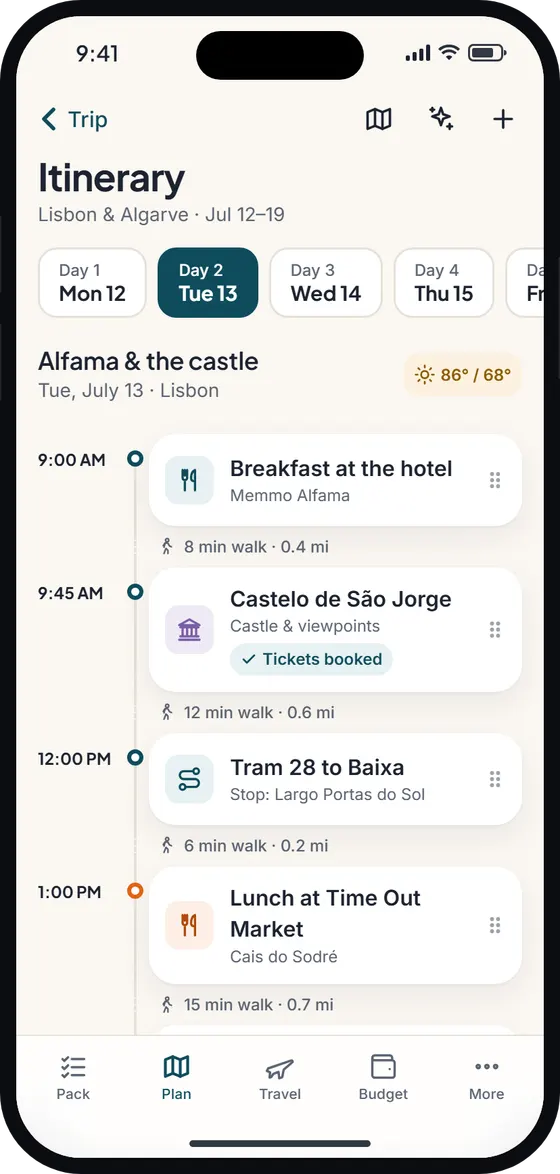
Once a day is full, the route planner can put the stops in a quicker order.
Free vs Pro, and offline
- Free: browsing things to do, Places to visit, adding to the plan, and AI suggestions or imports within your 3 monthly generations.
- Pro: unlimited AI suggestions and imports.
- Offline: browsing and AI need internet. Your saved places and itinerary are on your phone and work offline.
Wayfold is coming soon to iPhone and Android.
Questions about the things to do
How does Wayfold find things to do?
It searches places near your destination by category – top sights, museums, parks, viewpoints, beaches, markets, nightlife and family-friendly – and can add AI suggestions with the best time to go and typical duration.
Can I save places to visit without picking a day?
Yes. Save them to the trip’s Places to visit wishlist and add them to a day later. They show on the map as their own pins.
Can I import places from TikTok or Instagram?
Paste the caption text, a blog excerpt, a list of names or a Google Maps place link. Wayfold finds the place names and lets you review them before saving. Each import uses one AI generation.
Does it work offline?
Browsing new places needs internet. Places you’ve saved or added to your plan stay on your phone and work offline.